Get your company on Portomundi in four simple steps.
Portomundi is a business-to-business (B2B) payment platform, so we’ll ask for your company details. It only takes a few minutes.
1 Head to the registration page
Go to wallet.portomundi.com/register and click Create an account.

Fill in your details
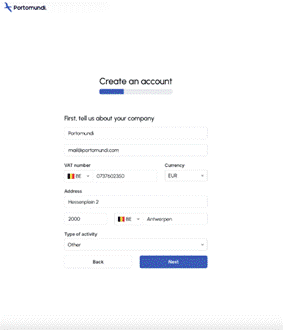
Follow the steps and enter:
• Your company information
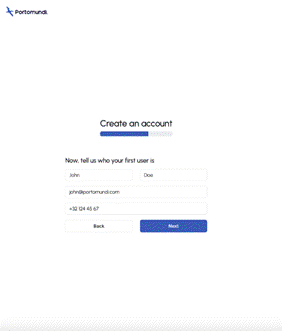
• Your “first user” information. This person becomes your administrator.
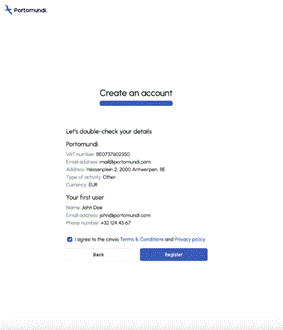
• A final check. Review everything, accept the T&Cs and click register.
2 Sit tight while we verify
You’ll receive an email letting you know we’re verifying your company details.

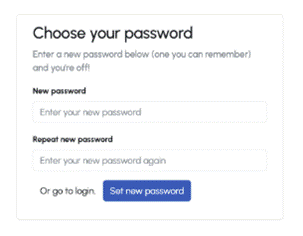
3 Set your password
Once your company is verified and validated, we’ll email you so you can set your password. And you’re good to go.
Was this article helpful?
That’s Great!
Thank you for your feedback
Sorry! We couldn't be helpful
Thank you for your feedback
Feedback sent
We appreciate your effort and will try to fix the article